Your windows,
finally organized.
Start organizing your windows.
Free to start. Takes less than a minute to install on your Mac.
JgDo
Window Snapped
⌘-drag active
Workspace Restored
4 apps placed
Window management, redefined.
JgDo lives in your menu bar and snaps windows into place, switches apps instantly, and remembers your workspaces — so multitasking stops feeling like busywork.
Everything you need
One menu bar app, a dozen habits fixed
JgDo replaces window dragging, blind ⌘-Tab cycling, and a scattered clipboard with a handful of shortcuts you'll actually remember.
Instant window snapping
Ten built-in layouts and edge-to-edge snapping put any window exactly where you want it, without touching the mouse.
- Halves, thirds, corners, and full-screen presets out of the box
- Cycle the same shortcut through multiple sizes — 50%, 66%, 33%
- Ghost preview shows the target rect before you commit
⌘-drag to snap anywhere
Hold ⌘ while dragging a window and JgDo finds the available space around your other windows — no grid required.
- Works with any window arrangement, not just fixed halves
- A searchable picker lets you target a specific window to snap beside
- Smooth, spring-animated preview tracks your cursor in real time
⌘-resize pushes neighbors
Resize one window and its neighbors resize with it, so your layout stays tidy instead of overlapping.
- Detects edge-adjacent windows automatically
- Keeps a sensible minimum size for every window involved
- Feels like resizing panes in a tiling window manager
Dual-app tiling
One shortcut snaps your active window and automatically tiles the next window beside it.
- Instant side-by-side setup for any two apps
- Built-in multi-window layouts for coding, writing, and research
- No manual dragging required for common pairings
App switcher HUD
A searchable, on-screen switcher (⌥Space) replaces blind ⌘-Tab cycling with something you can actually see.
- Type to filter instead of cycling one app at a time
- Arrow keys and Enter for fully keyboard-driven navigation
- Picking an app can snap it side-by-side automatically
Command Palette
A Raycast-style palette (⌘⌥Space) for jumping to any window across every open app, with live thumbnails.
- Fuzzy search across every window, not just app names
- Live thumbnails so you recognize windows at a glance
- The active app expands inline while others stay tucked away
See it in action
A closer look at the everyday workflow
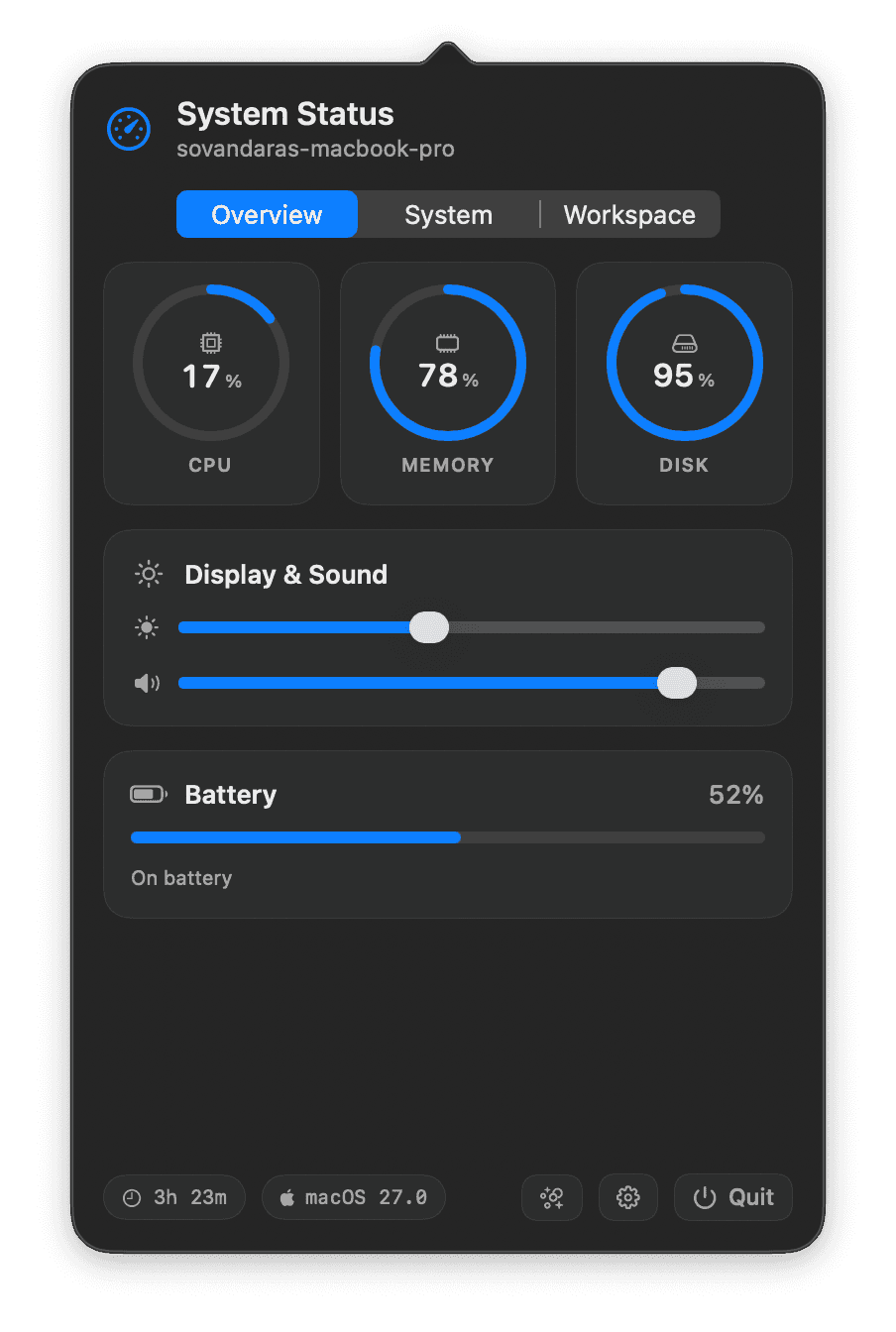
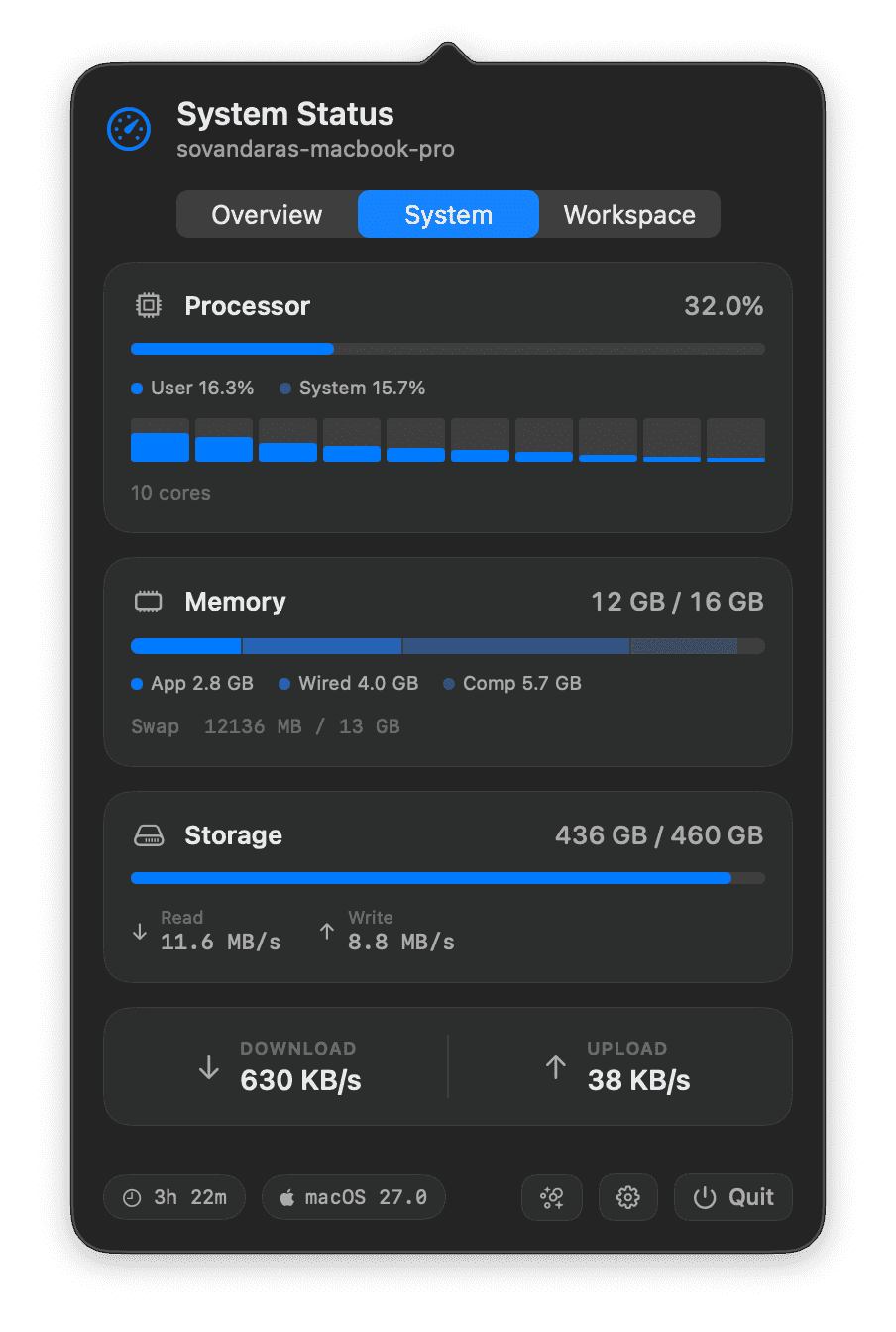
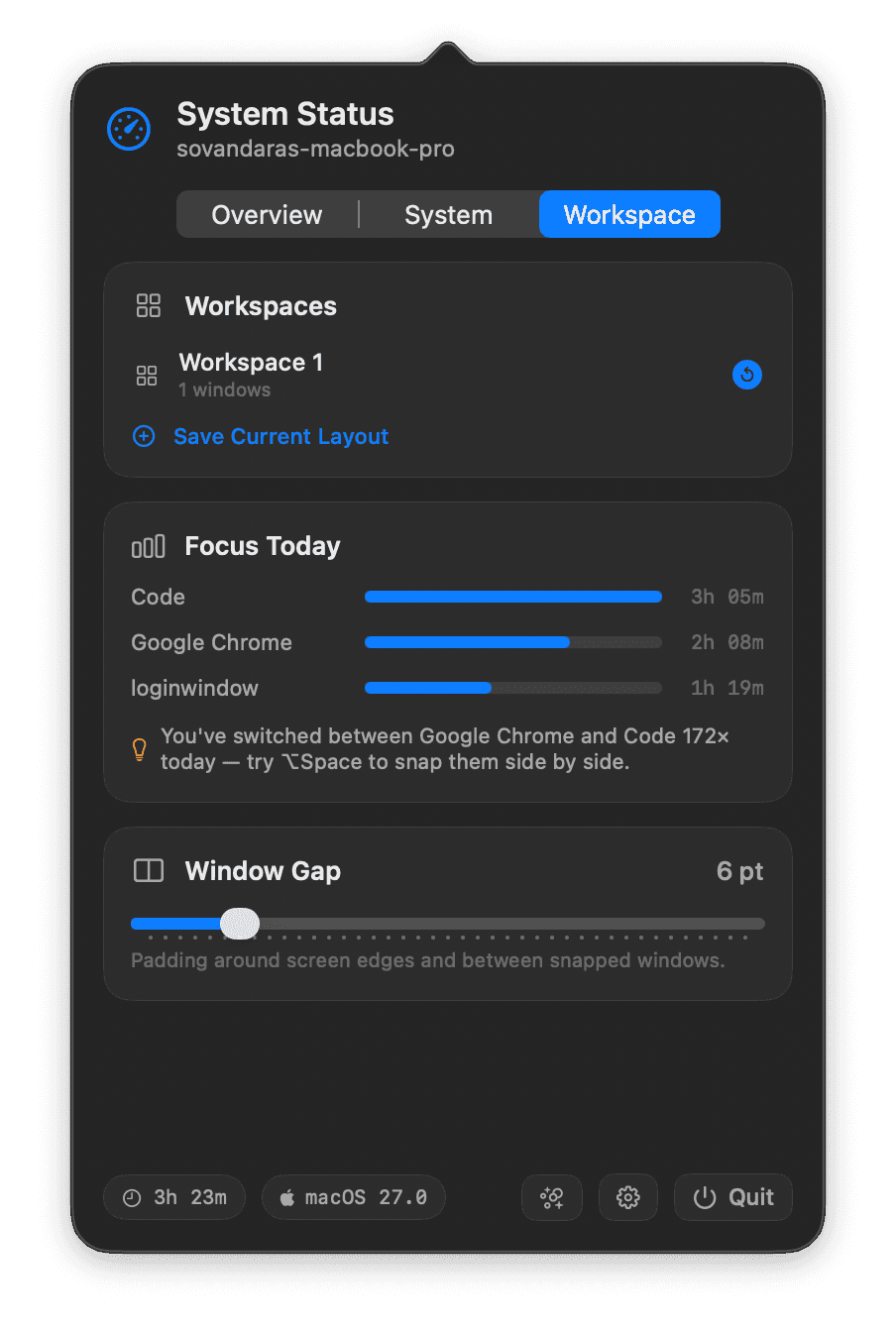
Four core surfaces, one shared design language.
Ten built-in layouts, plus ⌘-drag to snap into any available space.
Why JgDo
Built for how multitasking actually feels
Not another Mission Control clone — JgDo is the layer that was missing between you and a dozen open windows.
0+
active users
4.9
average rating
0M+
windows snapped / month
<0%
idle CPU usage
Loved by multitaskers
Don't take our word for it
“I used to fight with window placement all day. Now ⌘-drag just puts things where they belong. It's the first window manager that felt invisible.”
Maya Chen
Product Designer
“The Command Palette replaced three habits at once — Mission Control, ⌘-Tab, and my mental map of where windows were. Muscle memory took about a day.”
Daniel Osei
Staff Engineer
“Workspaces alone justify the price. I switch between 'deep work' and 'support inbox' arrangements and every window lands exactly where I left it.”
Priya Ramanathan
Founder, indie SaaS
“Adjacent resize is the feature I didn't know I needed. Dragging one panel and having the others make room feels like a tiling WM without leaving macOS.”
Tomás Herrera
Video Editor
“Clipboard history with paste-in-place quietly saves me a dozen context switches a day. I forget it's even a separate feature at this point.”
Aisha Bello
Data Scientist
“Rolled it out to the team after using it for two weeks myself. The remappable shortcuts meant nobody had to fight muscle memory from their old setup.”
Jonas Weber
Engineering Manager
FAQ
Questions, answered
JgDo is a lightweight macOS menu bar app for window management: instant snapping, a searchable app switcher and command palette, a clipboard manager, and saved workspaces — all driven by shortcuts you control.
Get new features before everyone else
One email a month. Release notes, workflow tips, and the occasional early beta invite.
Stop fighting with window placement.
Free to start. Takes less than a minute to install.